Multi-Organization Structure (Parent, Sub, Partner & Third Party)
Build a healthcare network in AndroHealth HIMS — a parent organization that manages sub, partner, and third-party entities with shared data, enforced policies, a shared billing ledger, and vendor portals.
AndroHealth supports healthcare networks through a multi-organization structure: a parent organization manages sub, partner, and third-party entities in a hierarchy. The parent can share patient data, enforce policies, configure each entity's settings, run consolidated financial reports, and operate a shared billing ledger across branches — with role-based access and single sign-on across entities.
Build the organization hierarchy
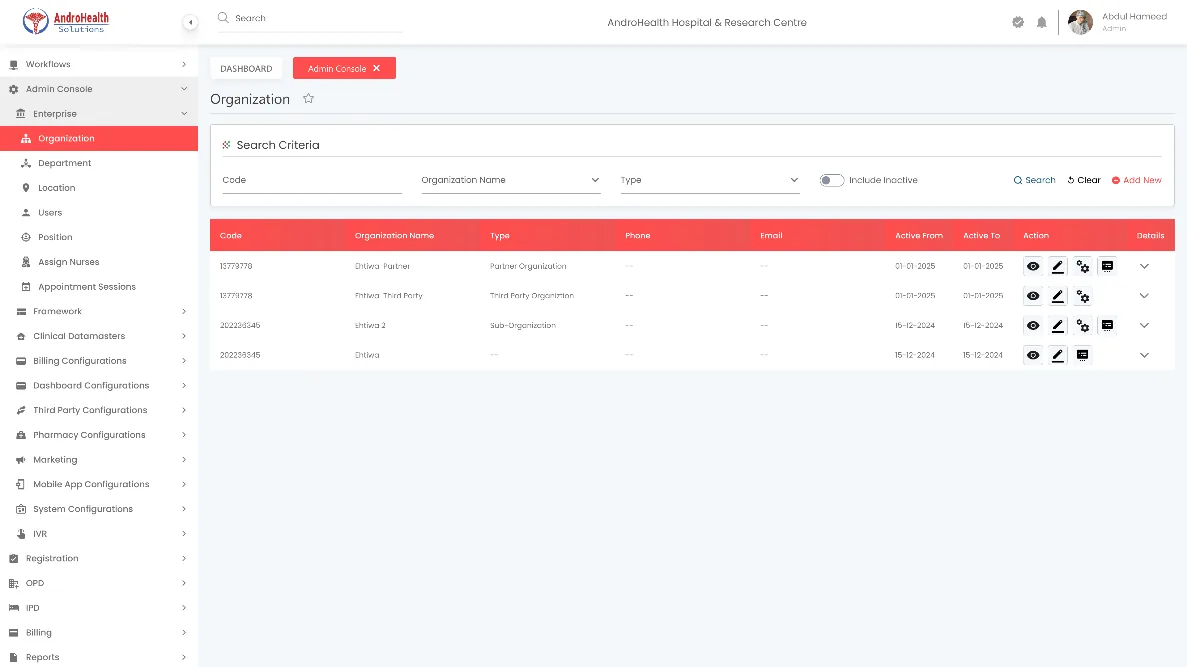
Go to Admin Console → Enterprise → Organization to open the Organization list, which shows your hierarchy.
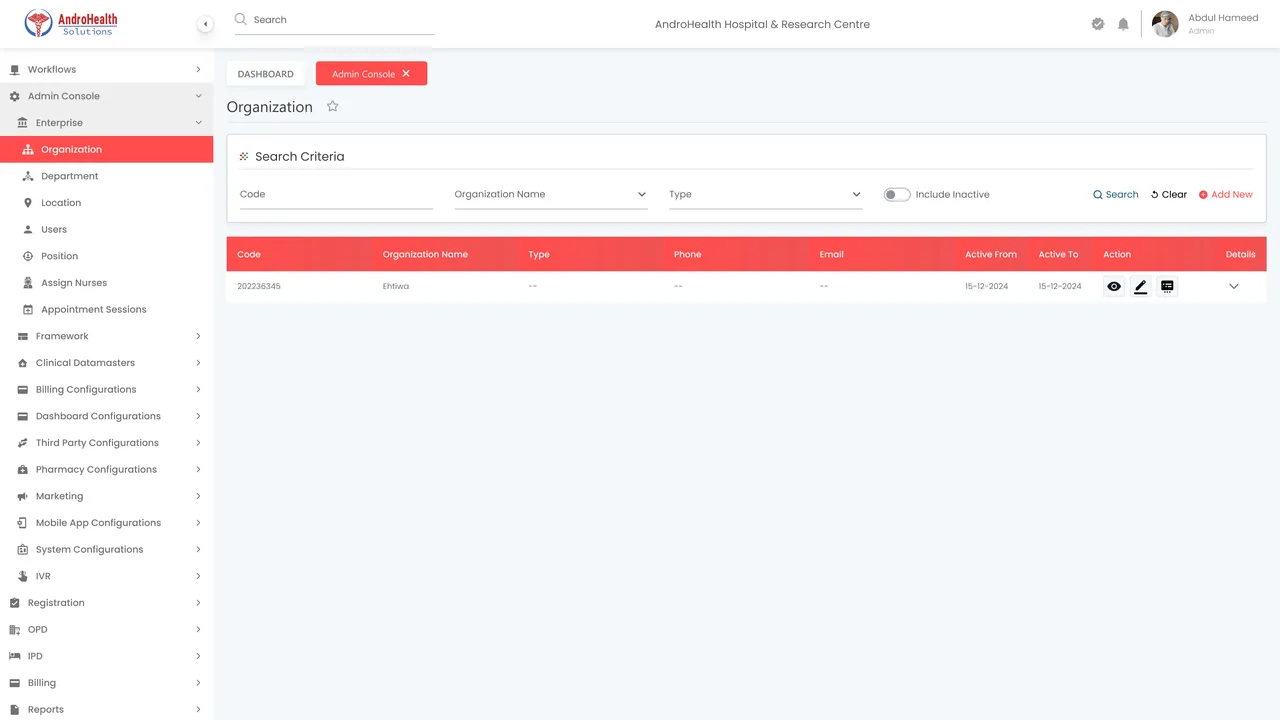
Edit the parent organization, or add a Sub, Partner, or Third-party organization under it.
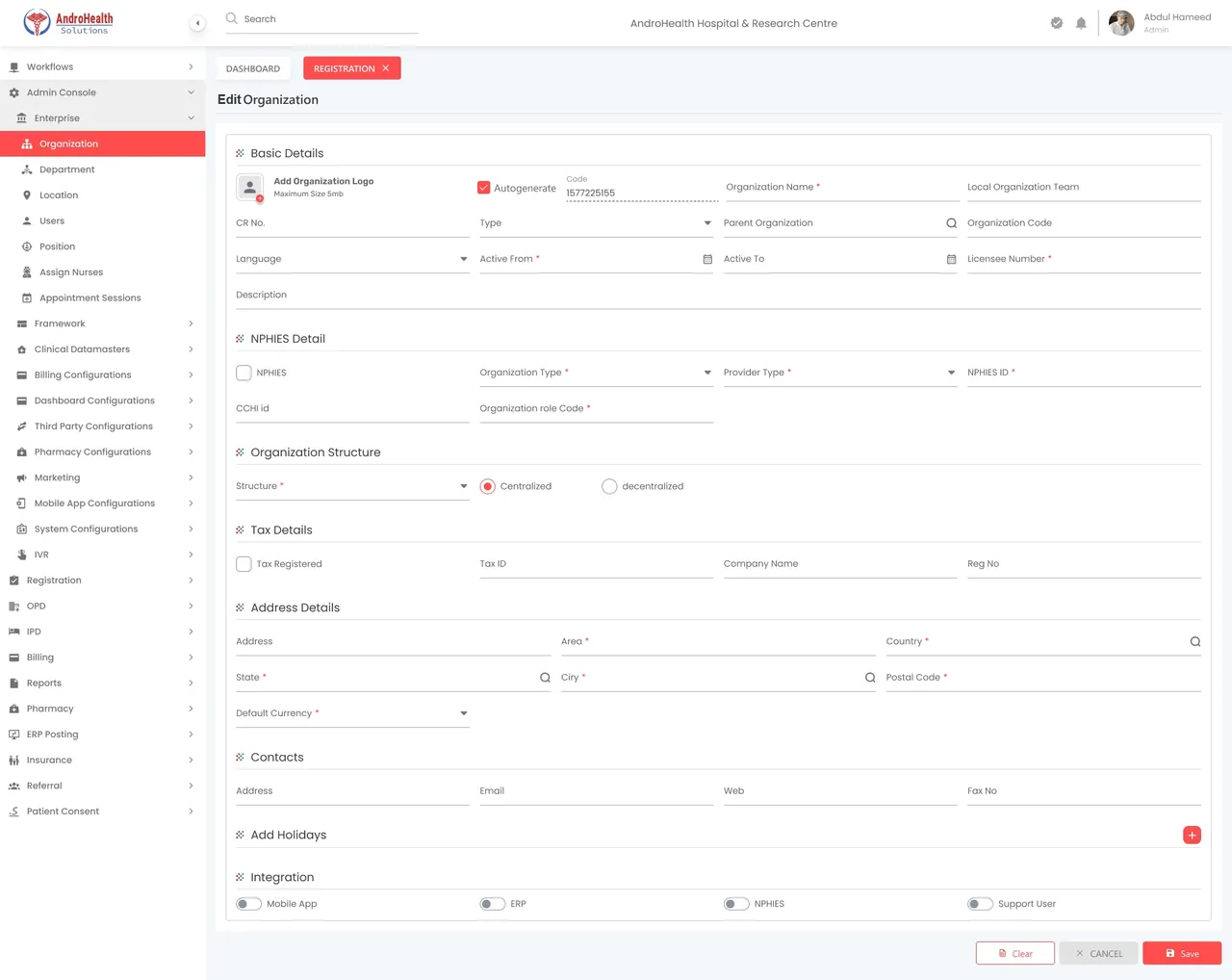
Configure a sub or partner organization
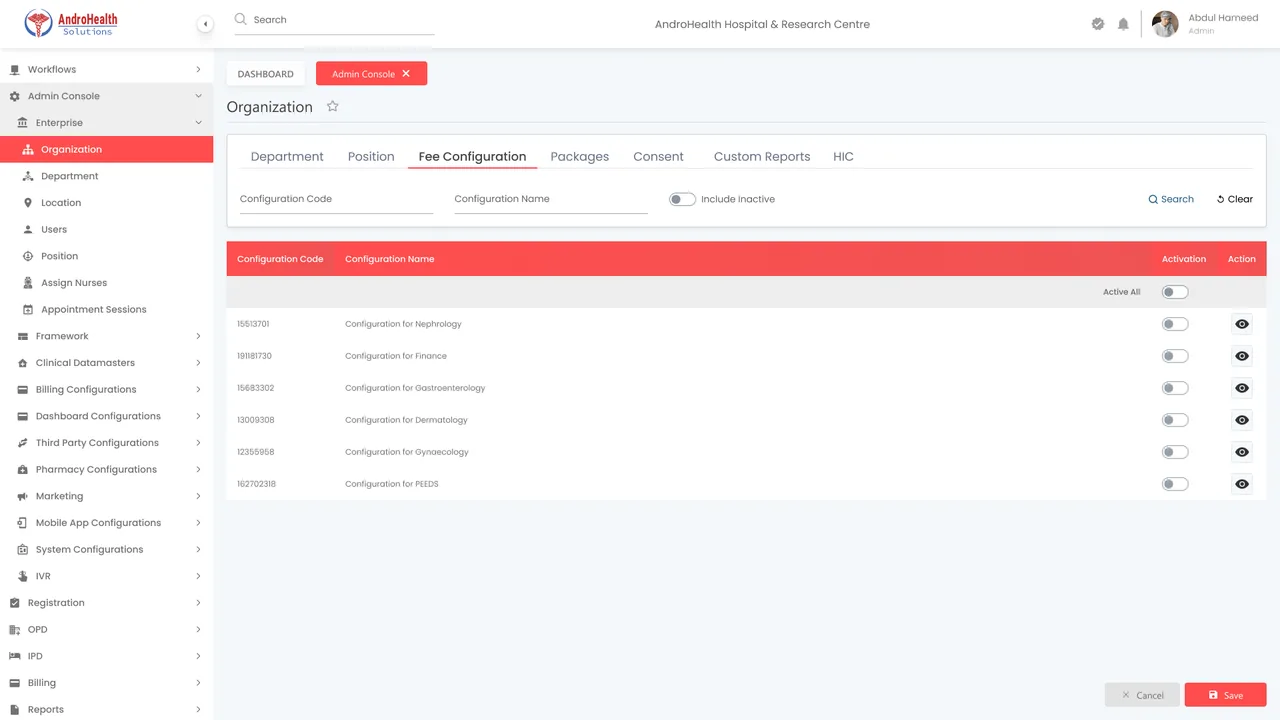
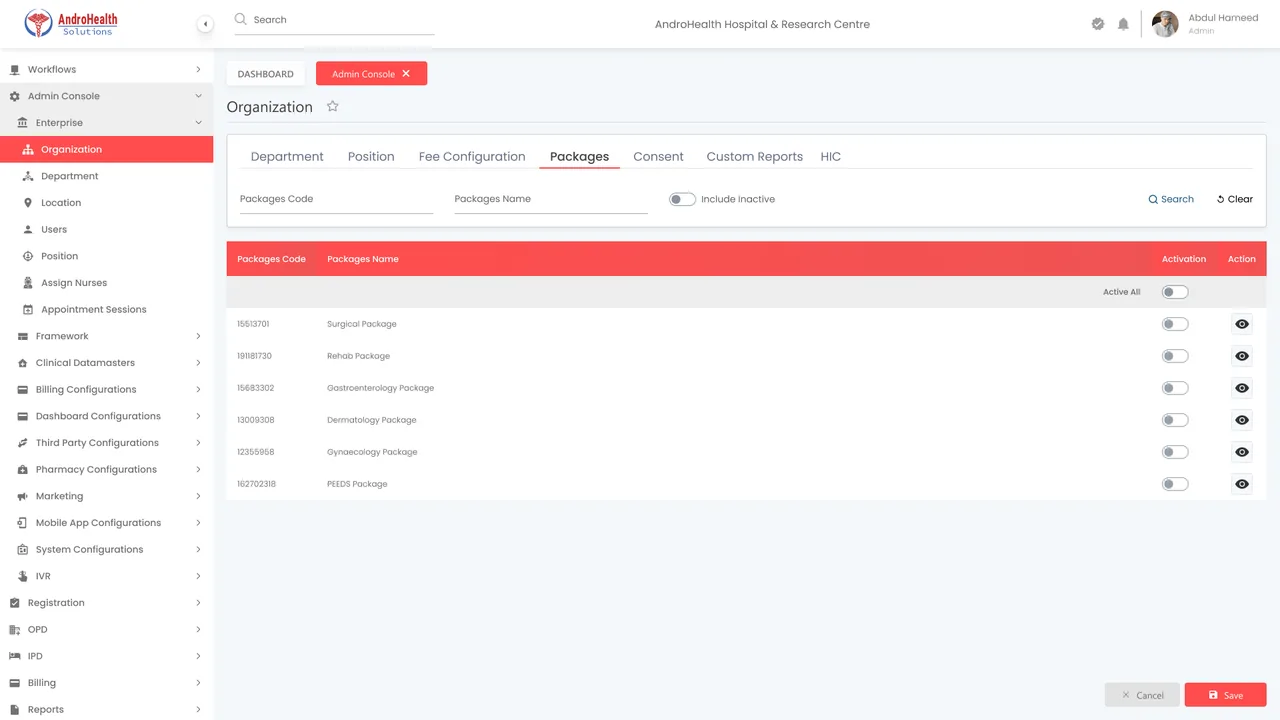
From the parent, open a sub/partner organization's settings to configure everything centrally:
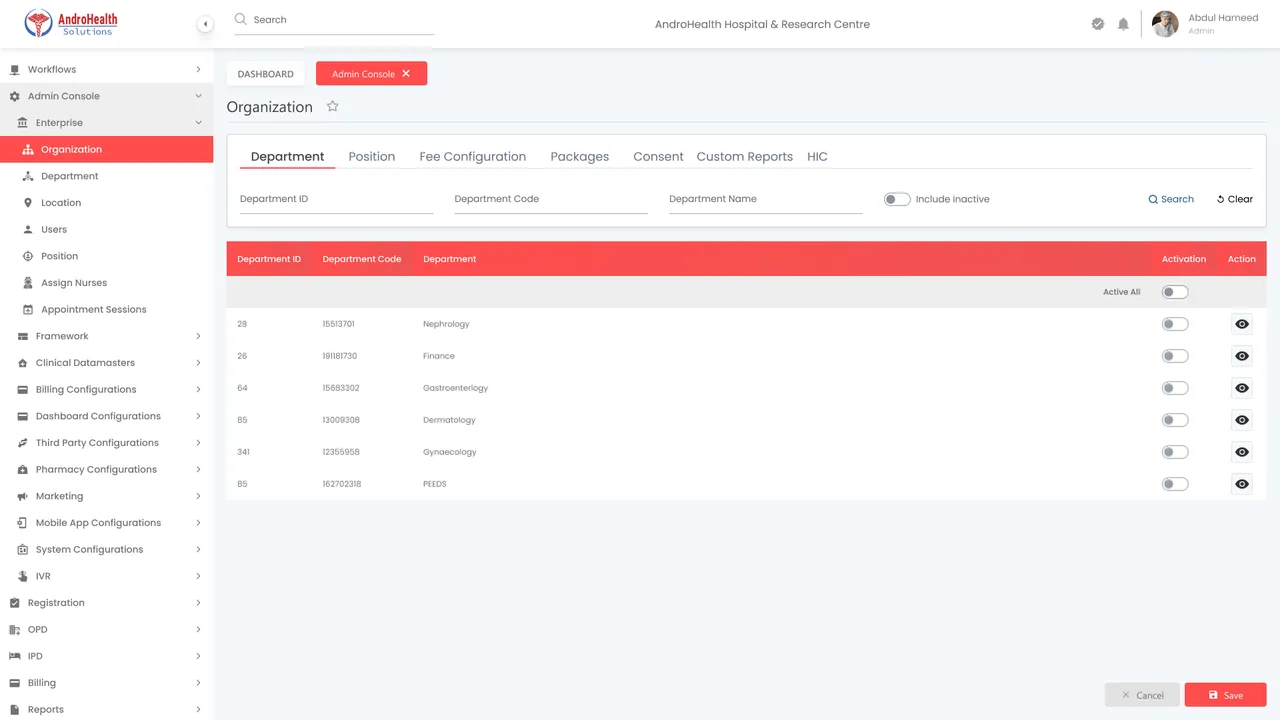
- Department and Positions — the entity's structure and roles
- Fee Configuration — pricing, including price variance between parent and child
- Packages — pre-paid service packages
- Consent and Custom Reports
- HIC — health-insurance configuration
Associate EMR & modules
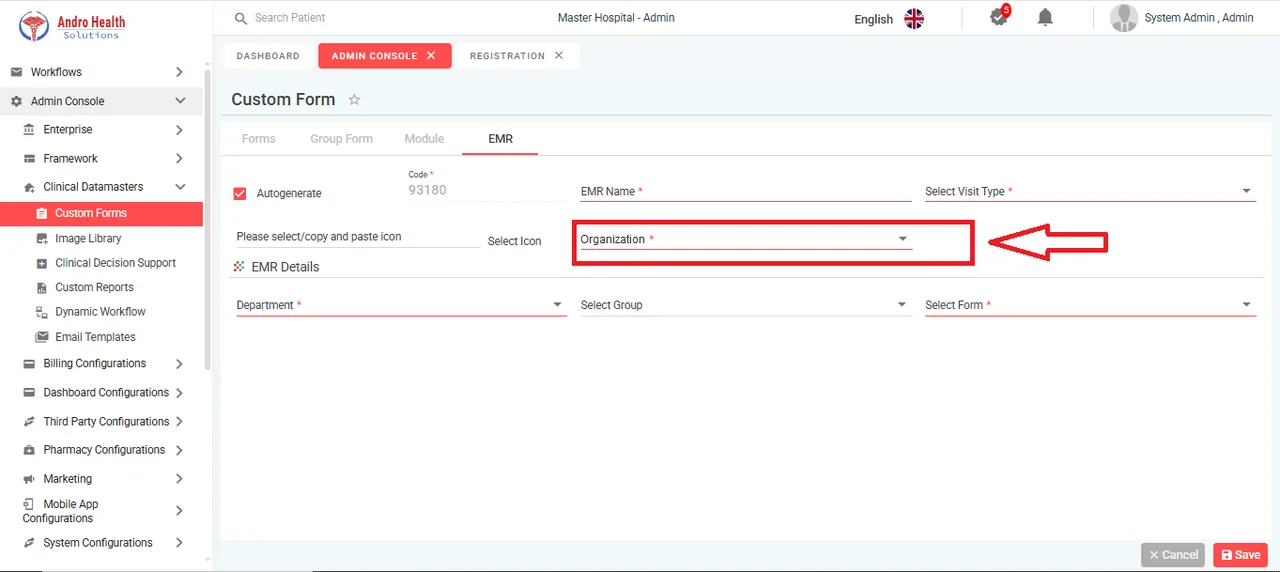
From the parent, associate each organization with the relevant EMR and modules, so entities operate with the right clinical and functional scope.
Cross-organization transactions & shared ledger
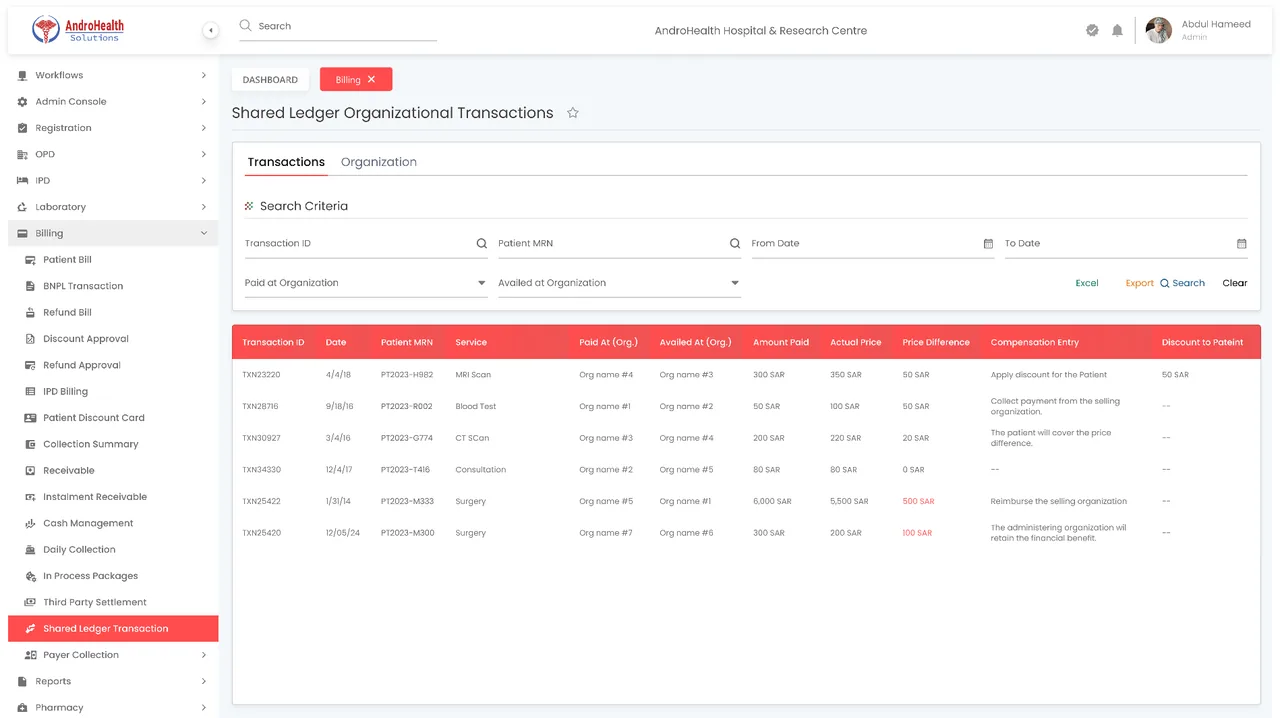
Define cross-organizational transactional rules for parent, sub, and partner entities — for example, the parent paying for services that patients redeem at child branches, with revenue-sharing percentages allocated to partners.
The shared ledger tracks pre-paid services and their utilization across child and partner branches, and supports internal financial reconciliation between entities.
Provider calendar
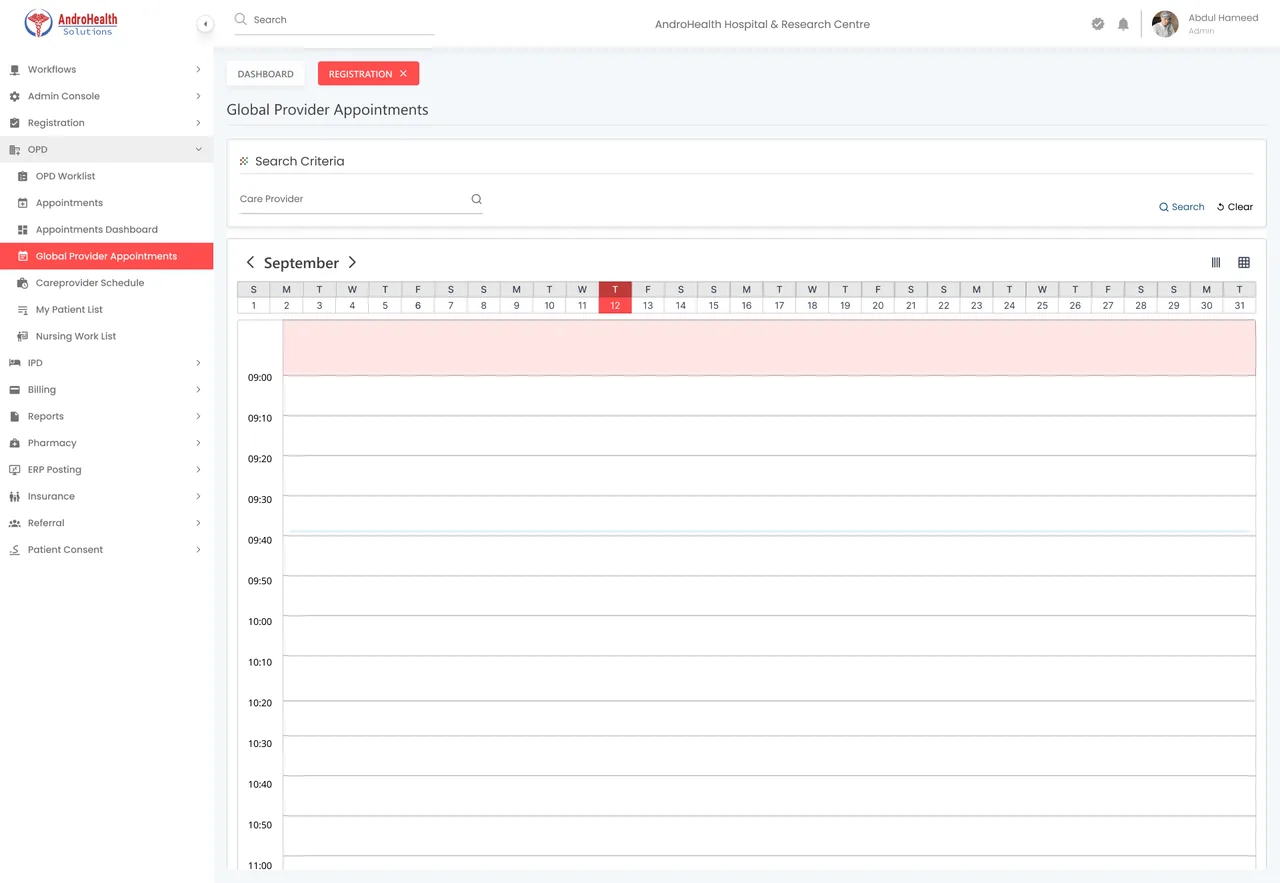
In the parent organization, the Provider Calendar (OPD → Provider Appointments) gives a consolidated view of provider schedules across the network.
Third-party organizations
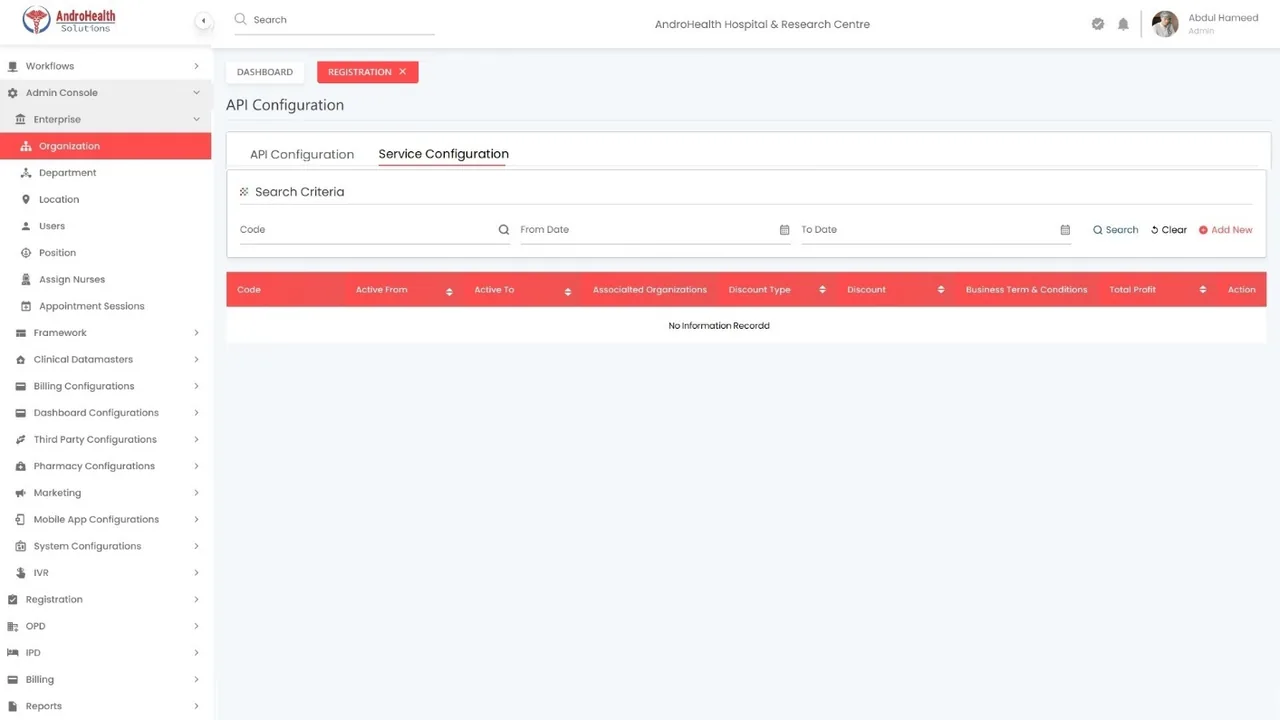
For non-integrated third parties (e.g. outsourced labs), configure API and Service settings so their services can be ordered and billed within the network.
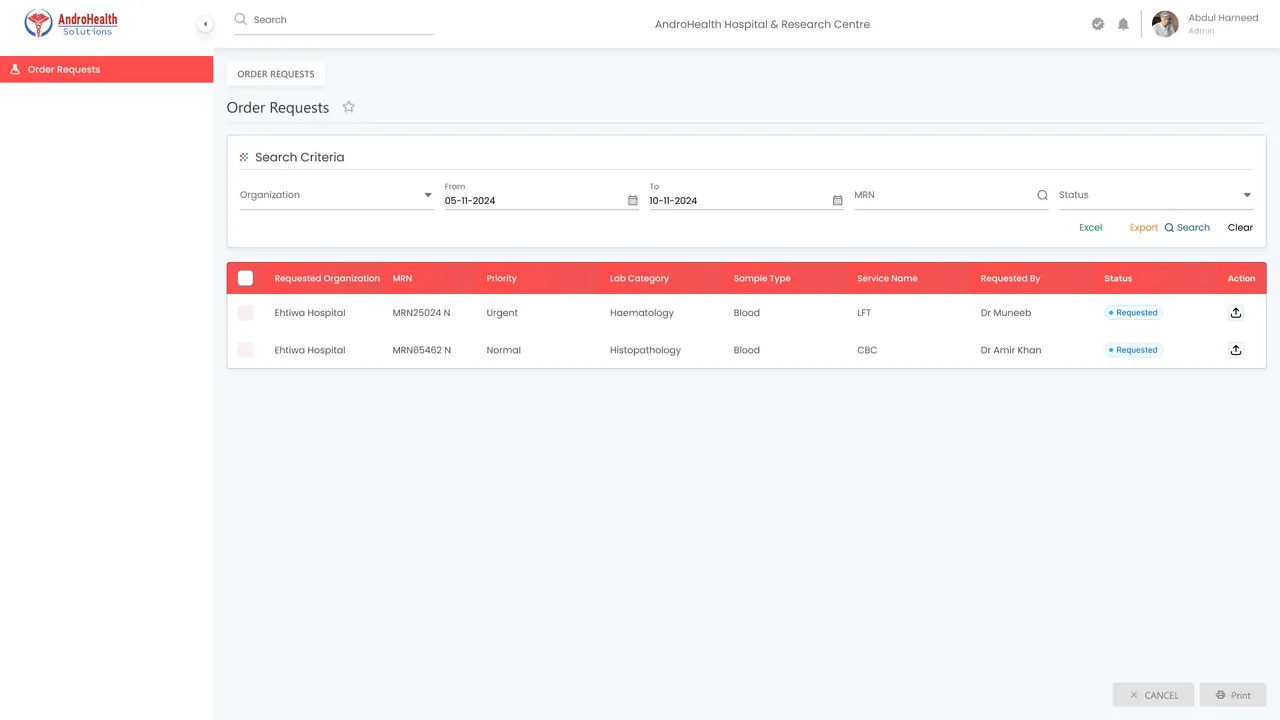
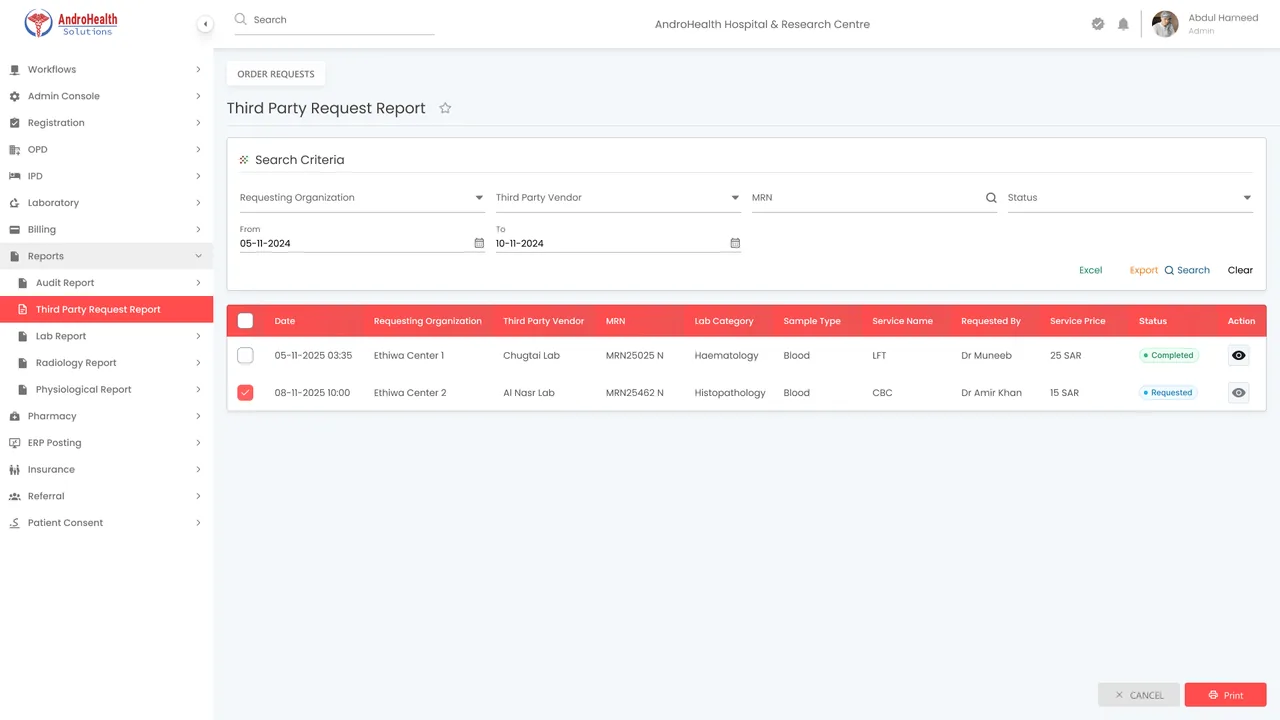
Non-integrated partners can also use a Vendor Portal: they sign in via a provided link to receive and act on requests, and the network tracks everything in the Third Party Request Report.
Where this appears
- Admin Console → Enterprise → Organization
- Each organization's settings (Department, Positions, Fee Configuration, Packages, Consent, Custom Reports, HIC)
- OPD → Provider Appointments (Provider Calendar)
- Report → Third Party Request Report
Common questions
What organization types are supported?
A parent organization manages sub, partner, and third-party entities in a hierarchy.
What is the shared ledger?
It tracks pre-paid services and their utilization across child and partner branches, with internal reconciliation.
How do non-integrated partners receive requests?
Through a vendor portal they sign into, with activity tracked in the Third Party Request Report.
Was this article helpful?
Still need help? Send a support request