Collection Summary & Cash Management
Track daily collections, manage opening cash, withdrawals, receivables, and session closing.
Collection Summary
Navigation: Billing → Collection Summary
Shows a breakdown of all collections with columns:
- Invoice Number, Patient Name
- Amount, VAT, Discount
- Cash, Bank, Insurance, Panel Company, Patient Account, Settled
Click "Close Session" to end the current collection session. Message: "Session Successfully Closed"
Daily Collection
Navigation: Billing → Daily Collection
Search by date range. Use Print or Export to Excel buttons for reports.
Click "More Detail" for breakdowns by:
- User Tab — Collection data per individual user
- Department Tab — Collection data per department
Cash Management
Navigation: Billing → Cash Management
Two tabs:
Opening Cash Tab
Record cash at the start of each shift:
- Date and Time (auto-populated)
- Cash Amount (SAR)
- Received From
- Purpose
- Notes/Comments
Withdrawal Tab
Record cash withdrawals during the shift with: Withdrawal Amount, Paid To, Purpose.
Receivable
Navigation: Billing → Receivable
Two tabs: Receivable and Received.
- Receivable tab — Shows outstanding amounts per user/session. Enter received amount; if less than expected, a "Reason for Difference" field appears.
- Received tab — History of received amounts with totals and differences.
In-Process Packages
Navigation: Billing → In-Process Packages
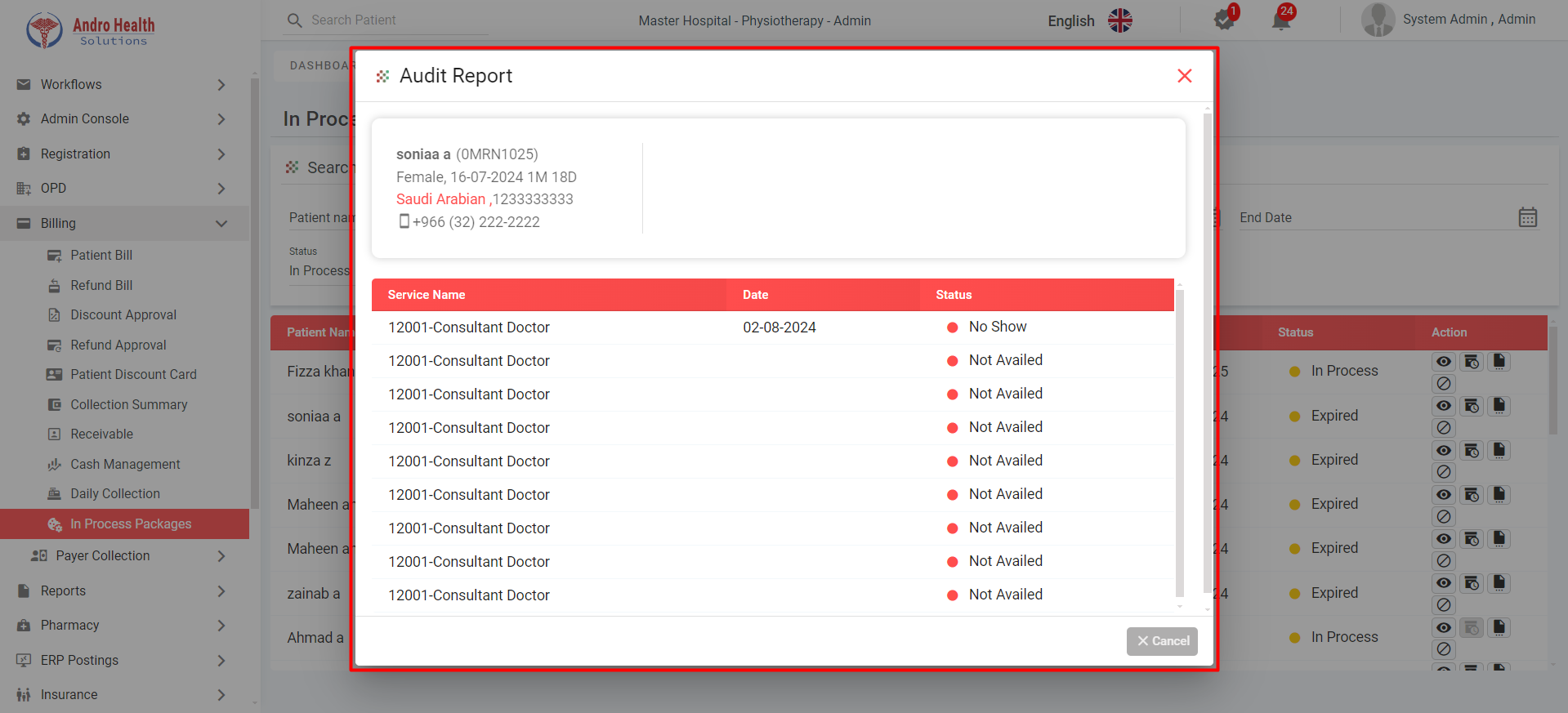
Track active patient packages with:
- Package name, total/availed/remaining services
- Status: In Process, Expired, Cancelled, Completed
Actions:
- View — Package detail popup
- Extended Duration — Extend with reason
- Audit Trail — Service usage report
- Cancel — Cancel the package
Common questions
How do I track daily collections?
The Collection Summary shows the day's collections and cash position.
How do I close a cash session?
Use session closing after reconciling opening cash, withdrawals, and receivables.
Can I record cash withdrawals?
Yes — withdrawals are tracked as part of cash management.
Was this article helpful?