Patient Profile & Tabs
Navigate the 8 Patient Profile tabs — Profile, Summary, Encounters, CDS, Account, Relationships, Referrals, and Packages.
Patient Profile Overview
After registering or selecting a patient, you see the Patient Profile screen with 8 tabs:
1. Patient Profile Tab
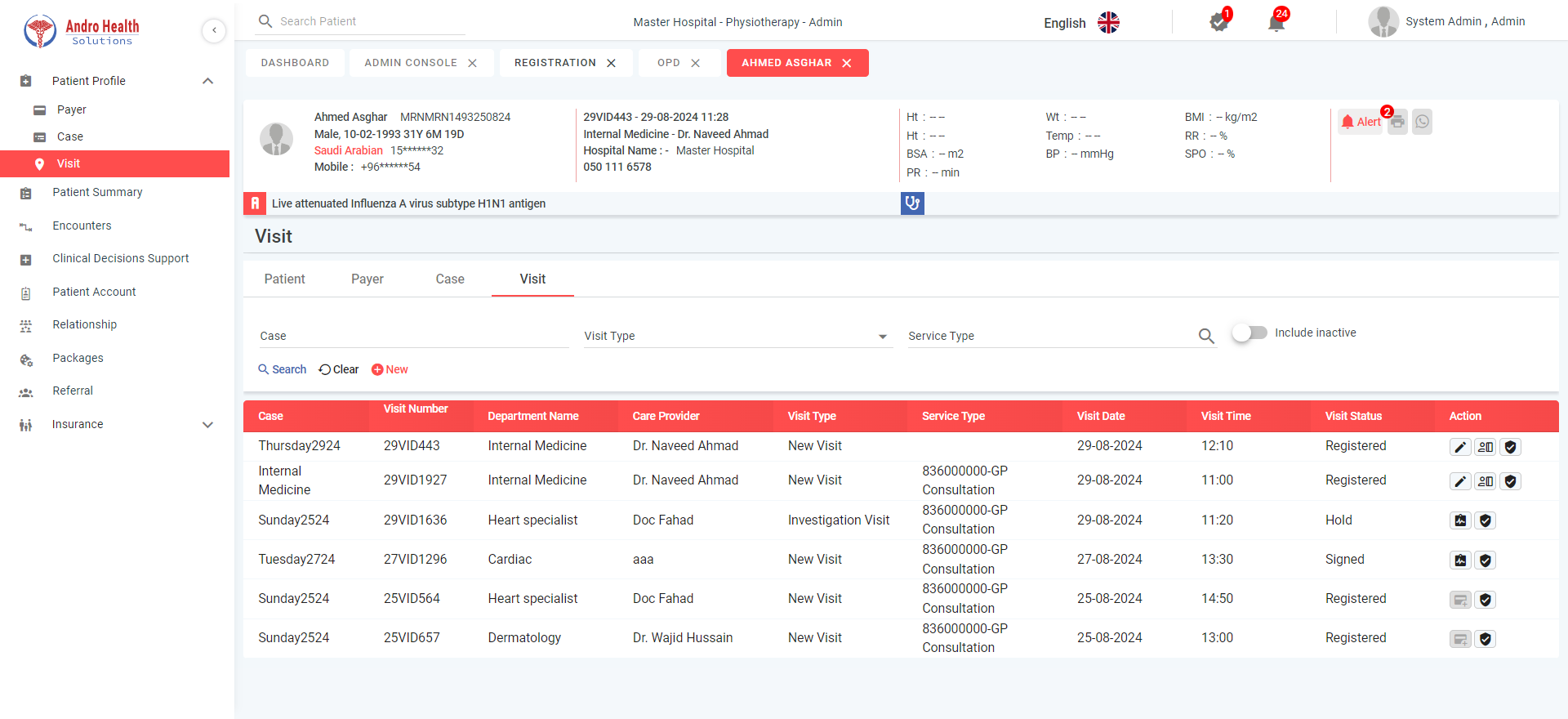
Contains 4 sub-tabs:
- Edit Patient — Modify all registration fields
- Payer — Manage insurance and panel payer information
- Case — Create and manage medical cases
- Visit — Create and view visits linked to cases
2. Patient Summary
Displays the last 5 entries for:
- Vital signs, Allergies, Problems, Complaints
- History, Lab results, Immunization, Medications
- Encounters, Comments
Click to expand and view all records in a popup.
3. Encounters
Lists all patient encounters with two statuses:
- Signed — Completed by doctor. Actions: View, Print, Send via WhatsApp (as PDF)
- On Hold — Pending. Actions: Edit Encounter, Sign Encounter, Delete Encounter
4. Clinical Decision Support (CDS)
Two sub-tabs:
- Active CDS — Shows triggered clinical alerts with title, intervention, progress bar
- History — Completed CDS records
Actions: Access (administer intervention), Reject (with reason), Remind Me Later (set future date)
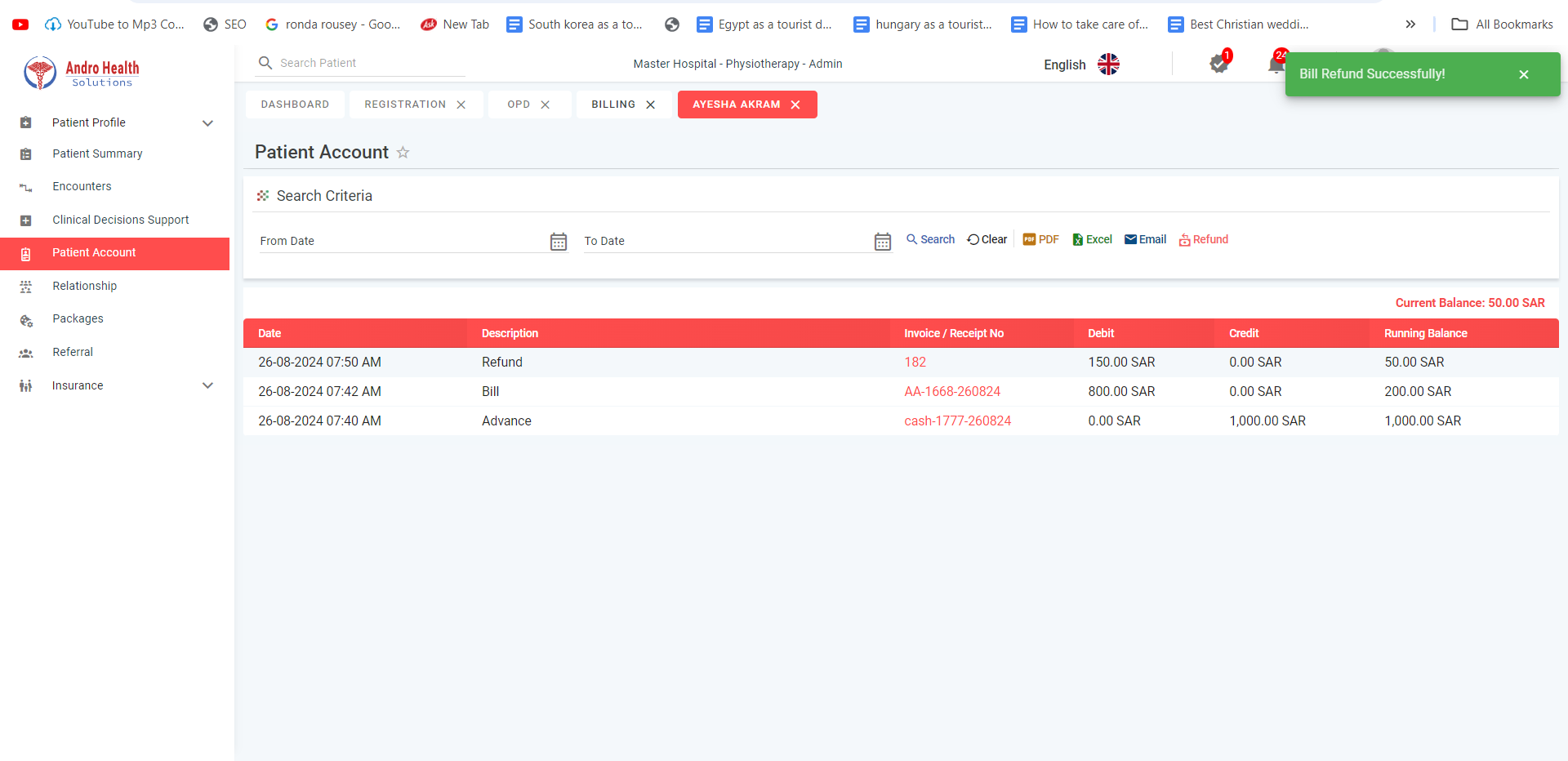
5. Patient Account
Financial transaction management with export, email, and refund capabilities.
6. Relationships
Lists all Next of Kin, Guarantors, and Dependents with their relationships.
7. Referrals
Lists referrals from previous visits. Actions: Book Appointment, Cancel Referral.
8. Packages & Services
Two sub-tabs:
- Packages — Shows purchased packages with status (Ordered/Purchased/In Process), availed and remaining services
- Services — Individual services with avail options: Create Visit or Book Appointment
Common questions
What are the Patient Profile tabs?
Profile, Summary, Encounters, CDS, Account, Relationships, Referrals, and Packages.
Where do I see a patient's visit history?
On the Encounters tab of the patient profile.
Where are a patient's financial details?
On the Account tab of the patient profile.
Was this article helpful?